Omni Editor — AI Image & Video Editor
Create, edit, and enhance images and videos with AI. Start from a reference, describe the change, and make the result your own.
Your images stay private · Your files are used only for this preview.
A little motion. A new story.
Still images. Living possibilities.
From hand-drawn worlds to everyday moments, find a direction for your next animation.
Anime
A character with a story
Wind, expression, and a little cinematic drama.
Illustration
A moment between frames
Let the atmosphere do the storytelling.
World building
A world worth exploring
Give an imagined place a sense of movement.
Portrait
Everyday, with a little motion
Find a new perspective in a familiar scene.
Pets
Personality in every frame
Small gestures. A whole lot of character.
Product
Make your idea the focal point
Explore a fresh way to present an object.
Temporary reference clips from AnimatePhoto. Our own examples are on the way.
Your idea, frame one
A simple start for something cinematic.
You bring the image and the idea. Build the direction one small decision at a time.
01Choose your starting image
A character, a photo, a world you imagined. Upload a JPG, PNG, or WebP as your reference.
02Describe the movement
A breeze through the hair. A slow camera push. Tell the scene what happens next.
03Shape your scene
Choose a visual direction and framing. Keep the motion focused on what matters in your image.
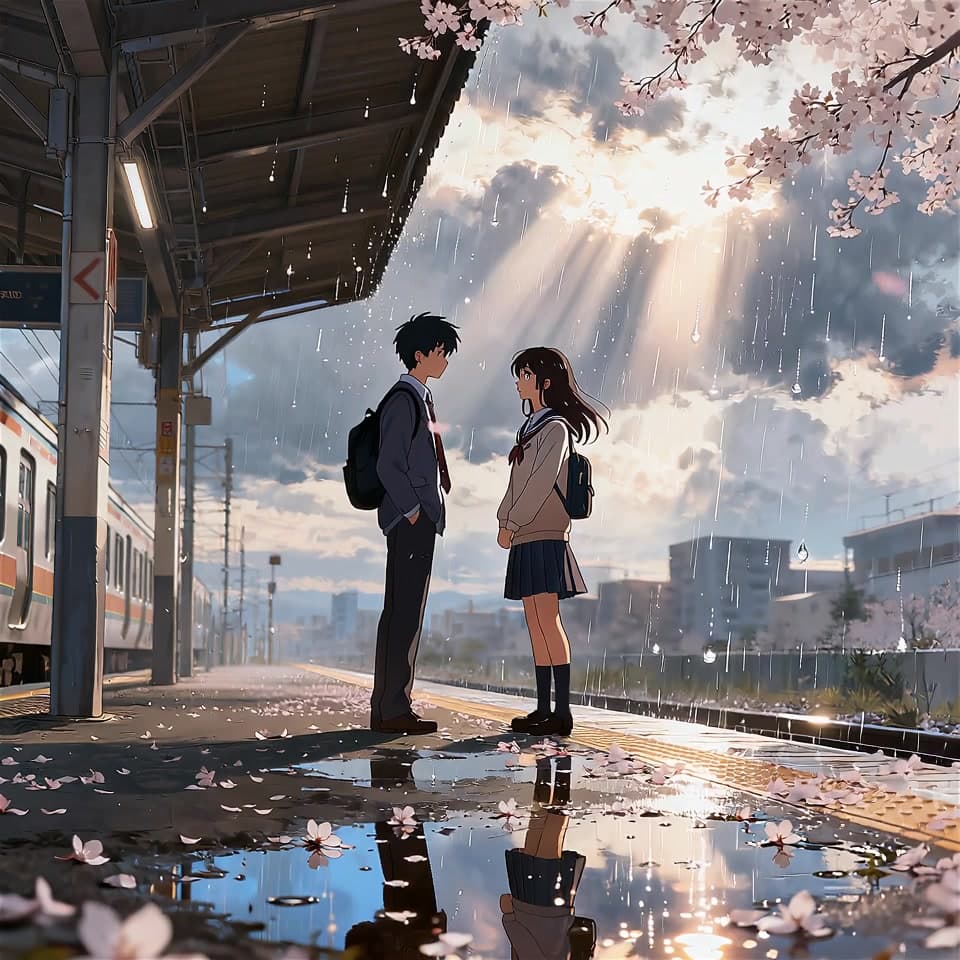 One frame, countless directions
Made for a creative starting point
Keep the character.
Explore the possibilities.
Your image sets the tone. Build on its colors, mood, and composition with a motion idea that feels right for the scene.
- Character art, photos, and illustrated worlds
- Prompts that focus on motion and atmosphere
- One workspace for your next creative direction
More tools, one studio
Take your image a little further.
Explore the growing AI toolkitA few useful answers
Before your first frame.
A little guidance for your next image to animation idea.
Every story starts with an image.
Bring yours. See where the next frame takes you.